Every plan, riding one loop
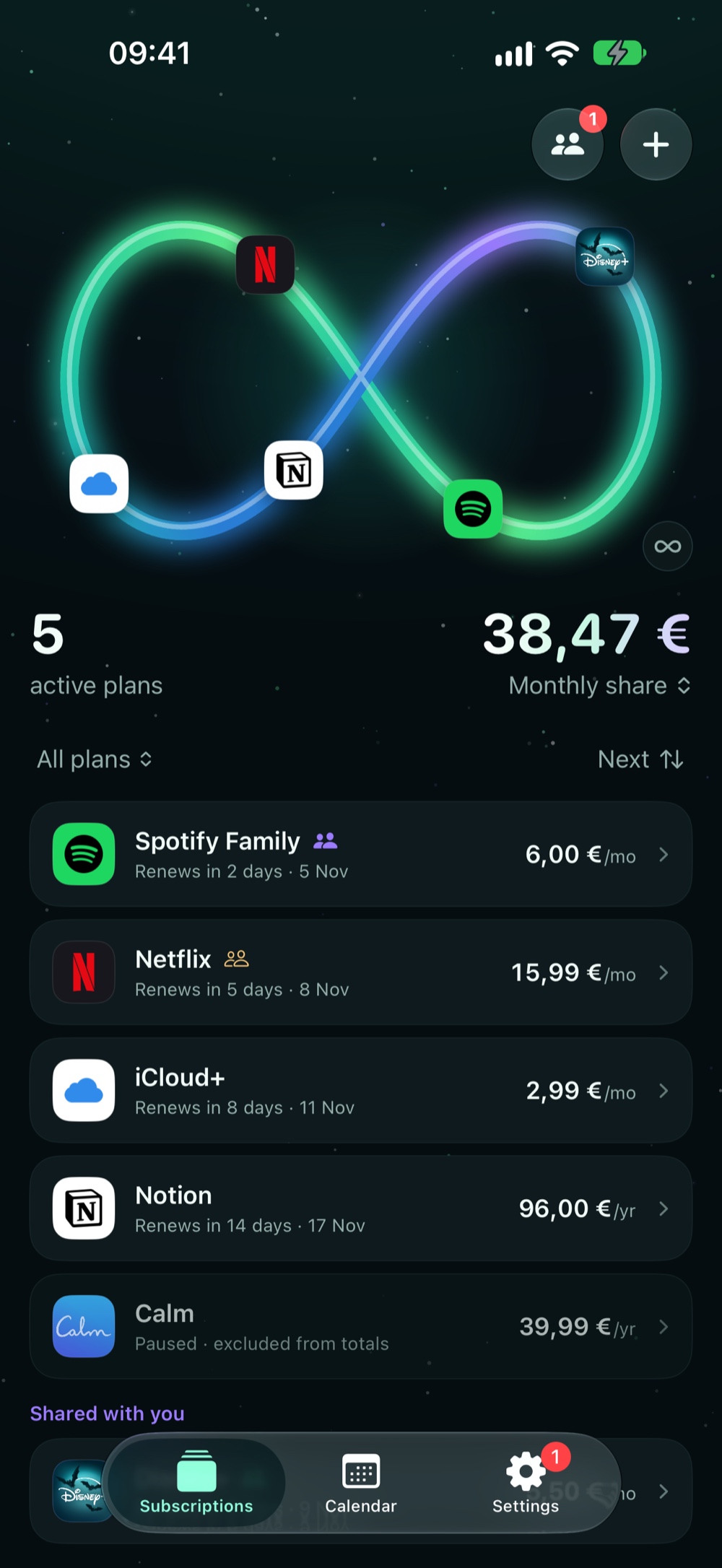
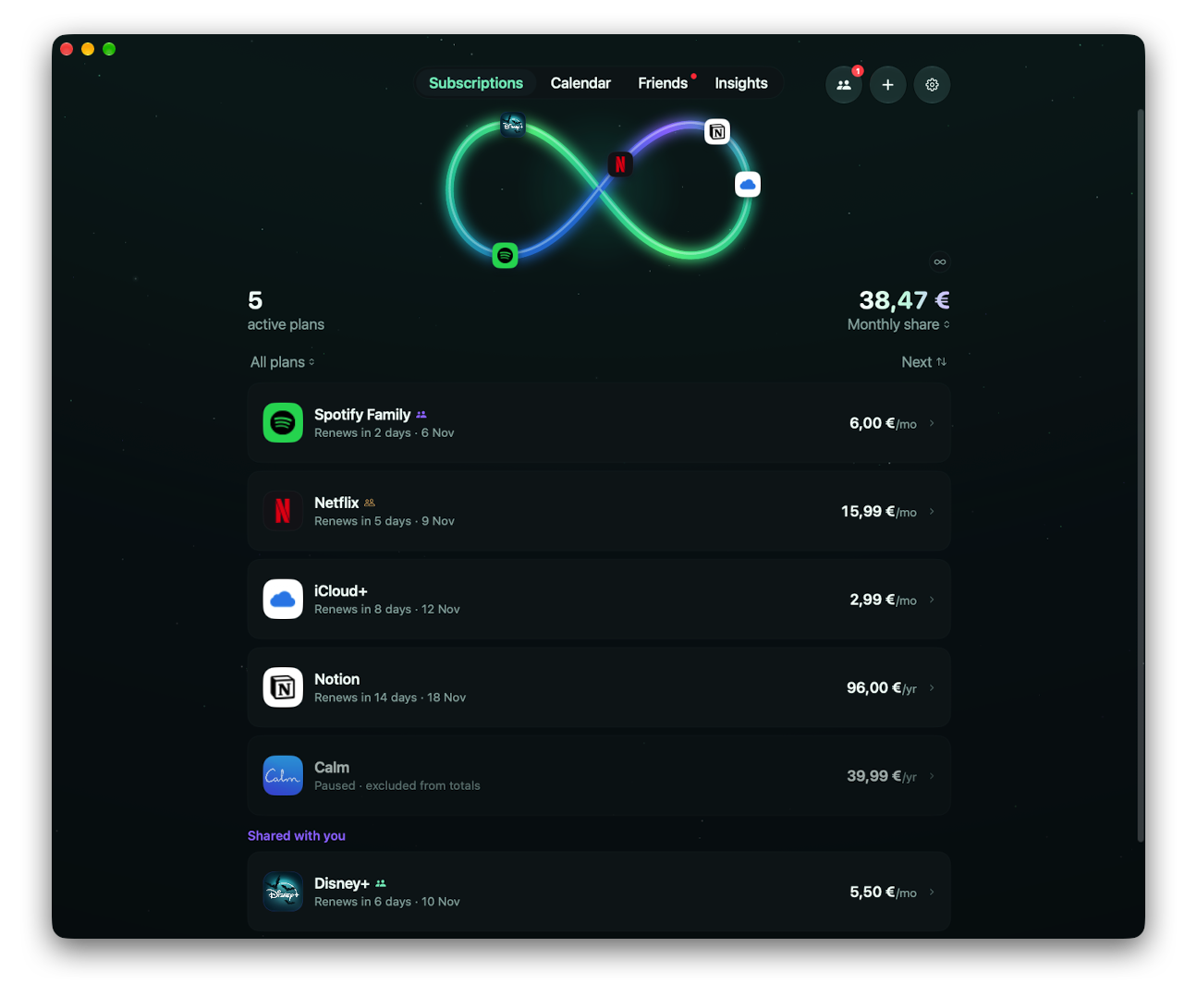
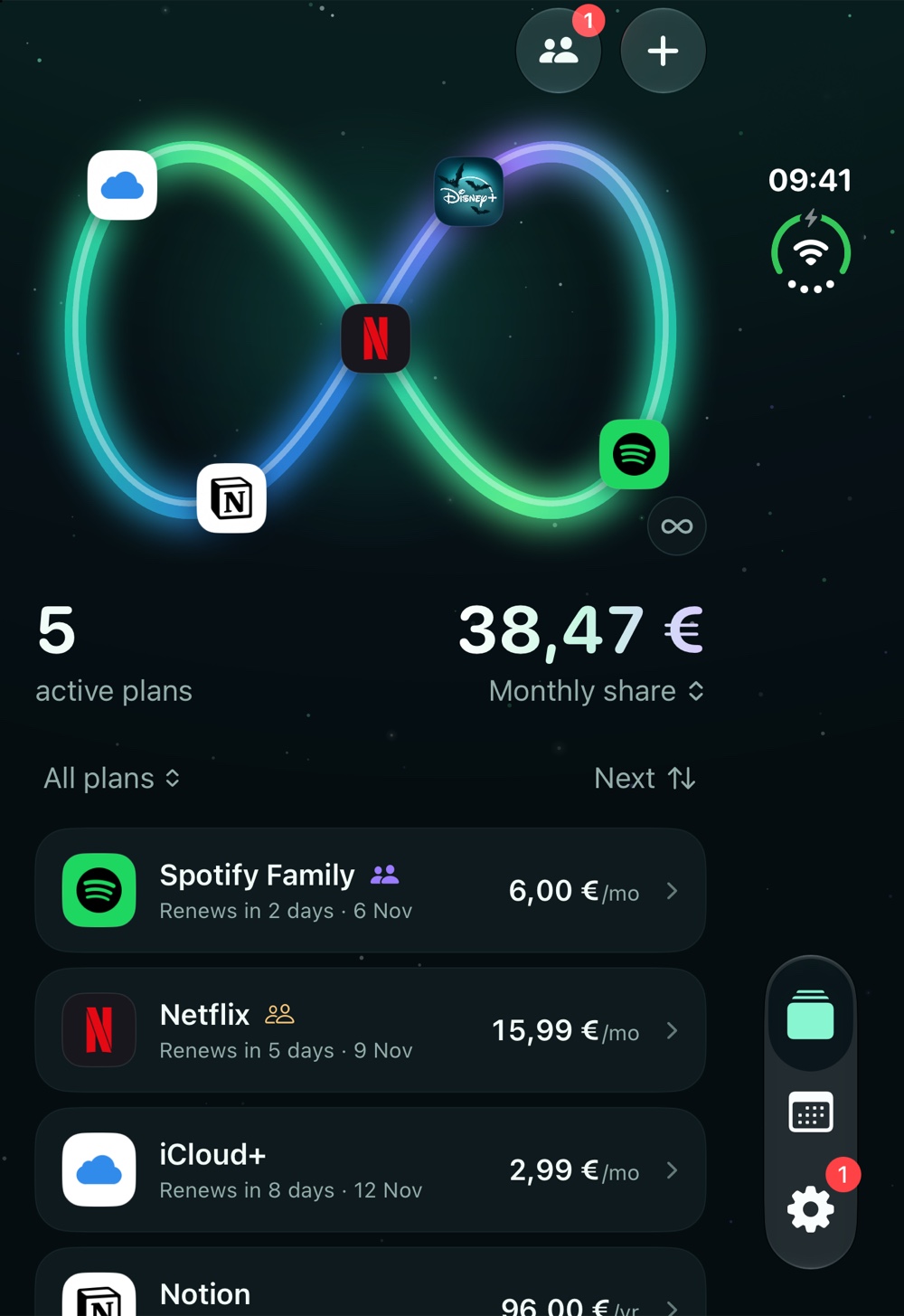
Your active plans circle the loop with their real icons, with the count on one side and your monthly share on the other. Just type a name and the icon finds itself.

See what you pay, when it renews and who owes you, before the charge hits. No bank login. Just clarity.
Free to start1 week free on yearly PlusPrivate by design
Tracks anything that bills you again
Tap what you pay for. Most people are surprised by the yearly number.
Your active plans circle the loop with their real icons, with the count on one side and your monthly share on the other. Just type a name and the icon finds itself.
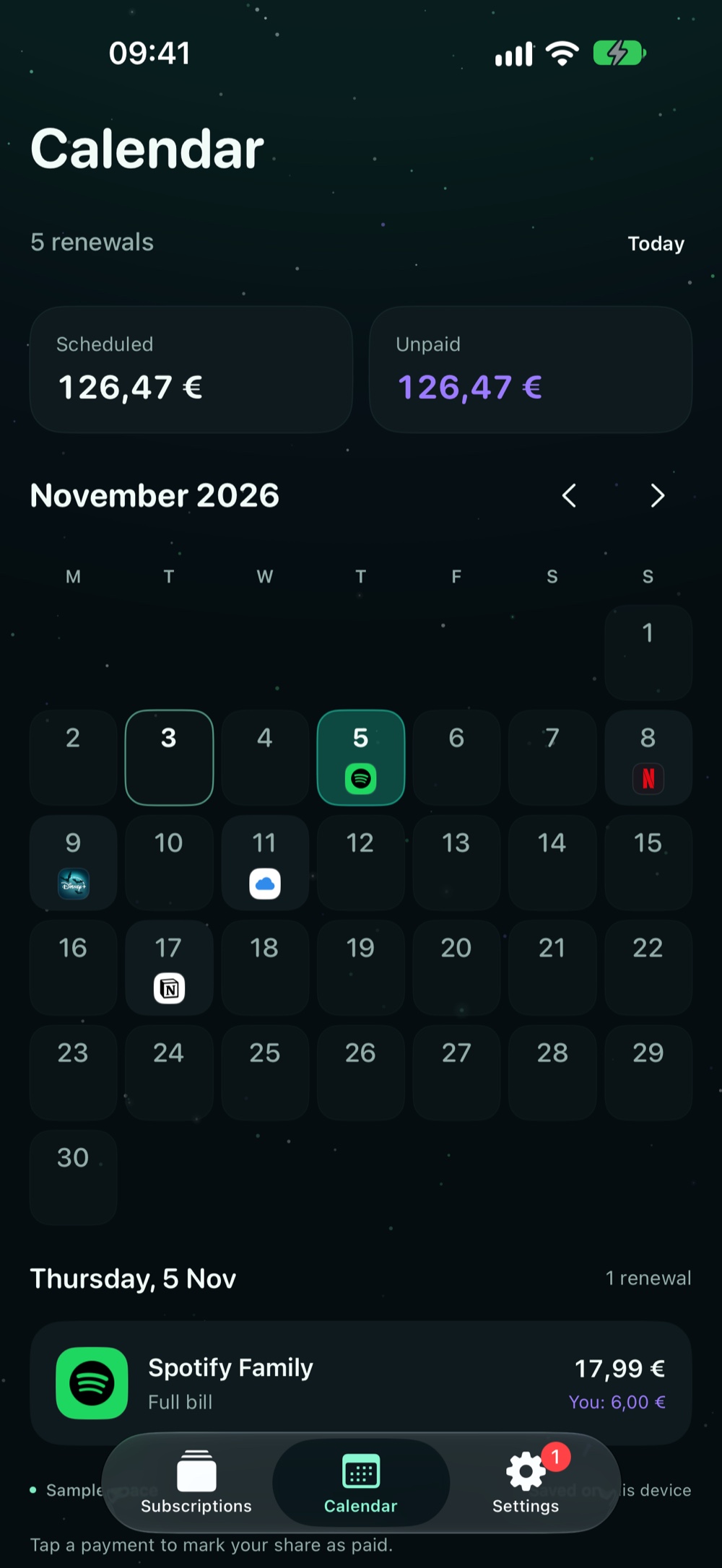
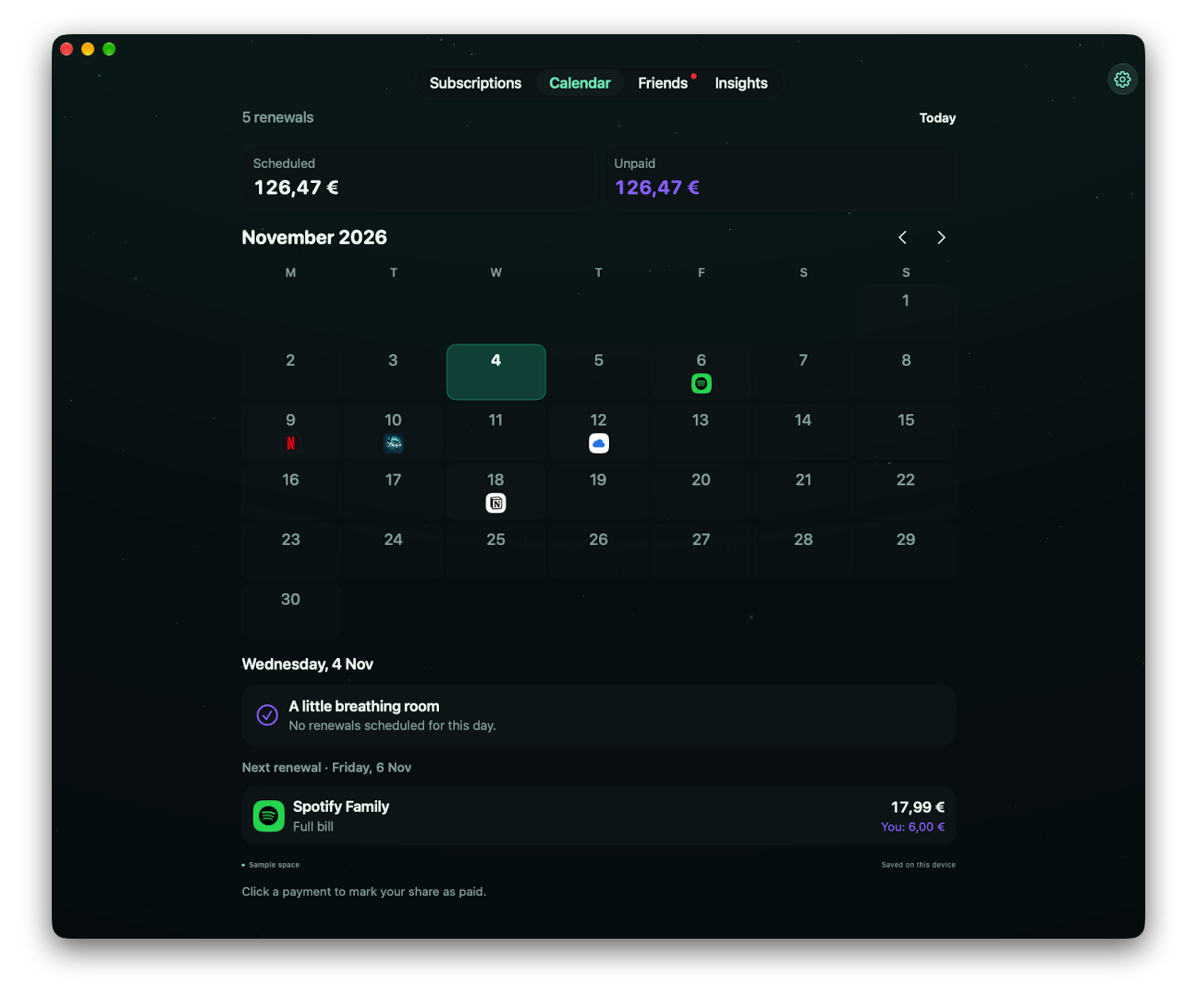
See exactly which day each subscription hits, what's scheduled and what's still unpaid. Sync the next 12 months to Apple or Google Calendar.
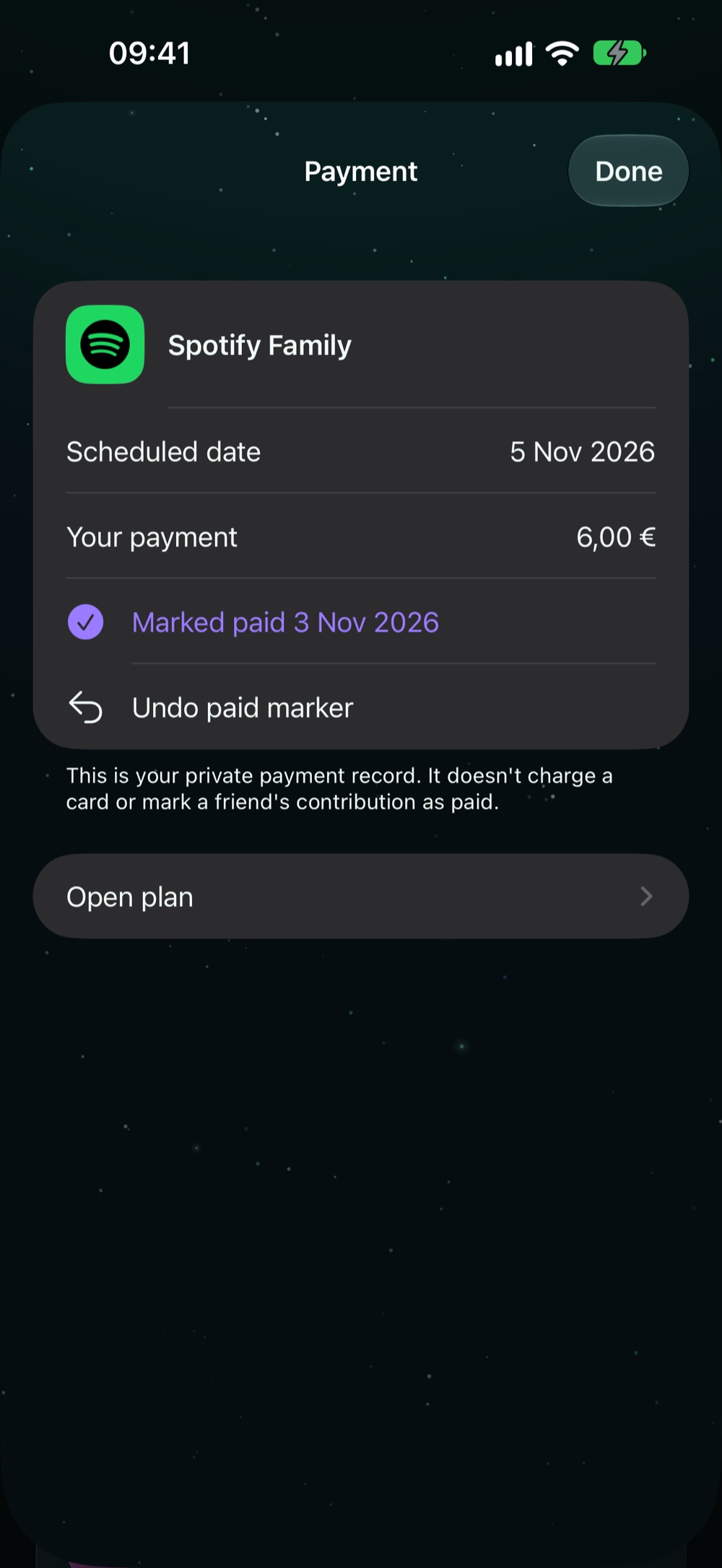
Share Spotify Family or Netflix, accept invitations and see who is settled. Friends without Loop can still be tracked.
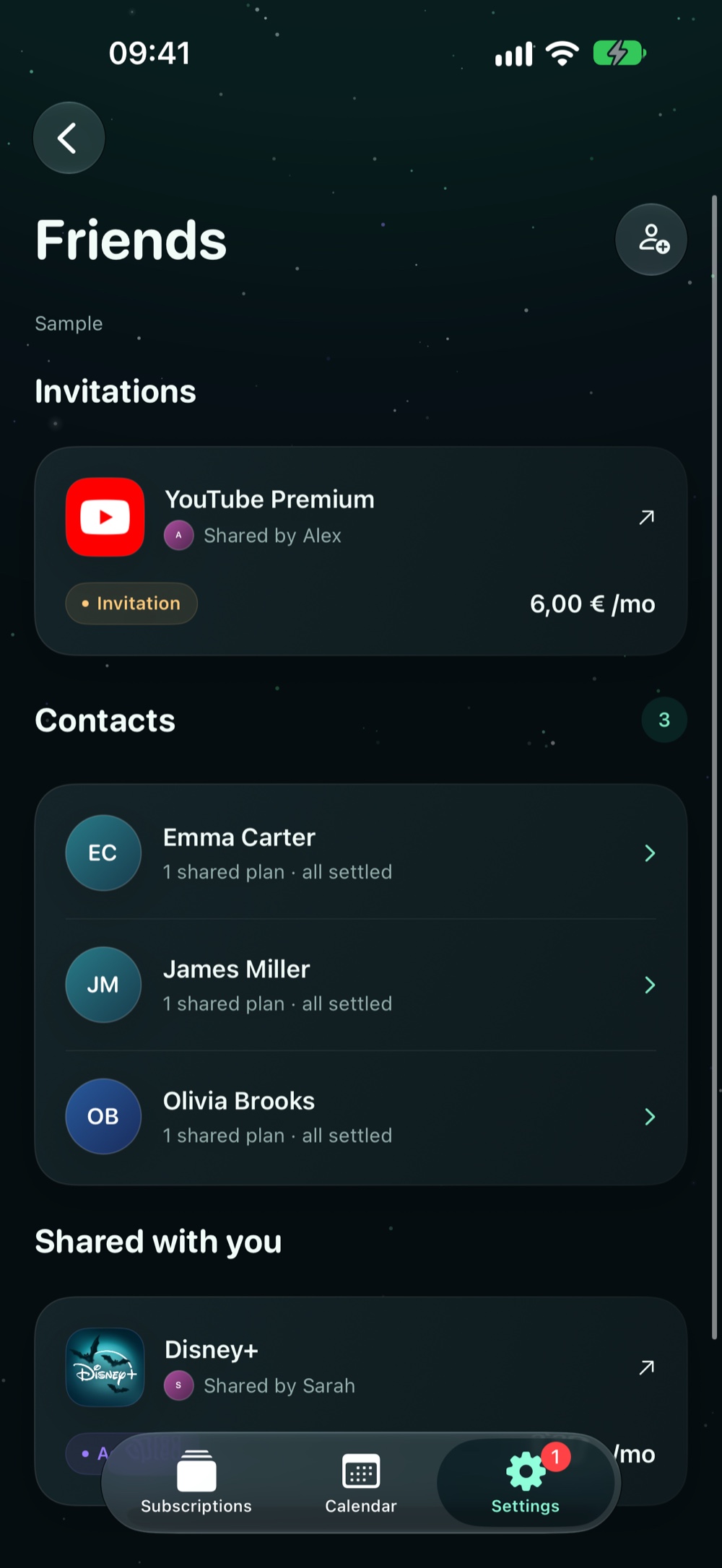
Snap your App Store subscriptions page or a bank statement. Loop reads it on your device, then lets you review before anything is saved.
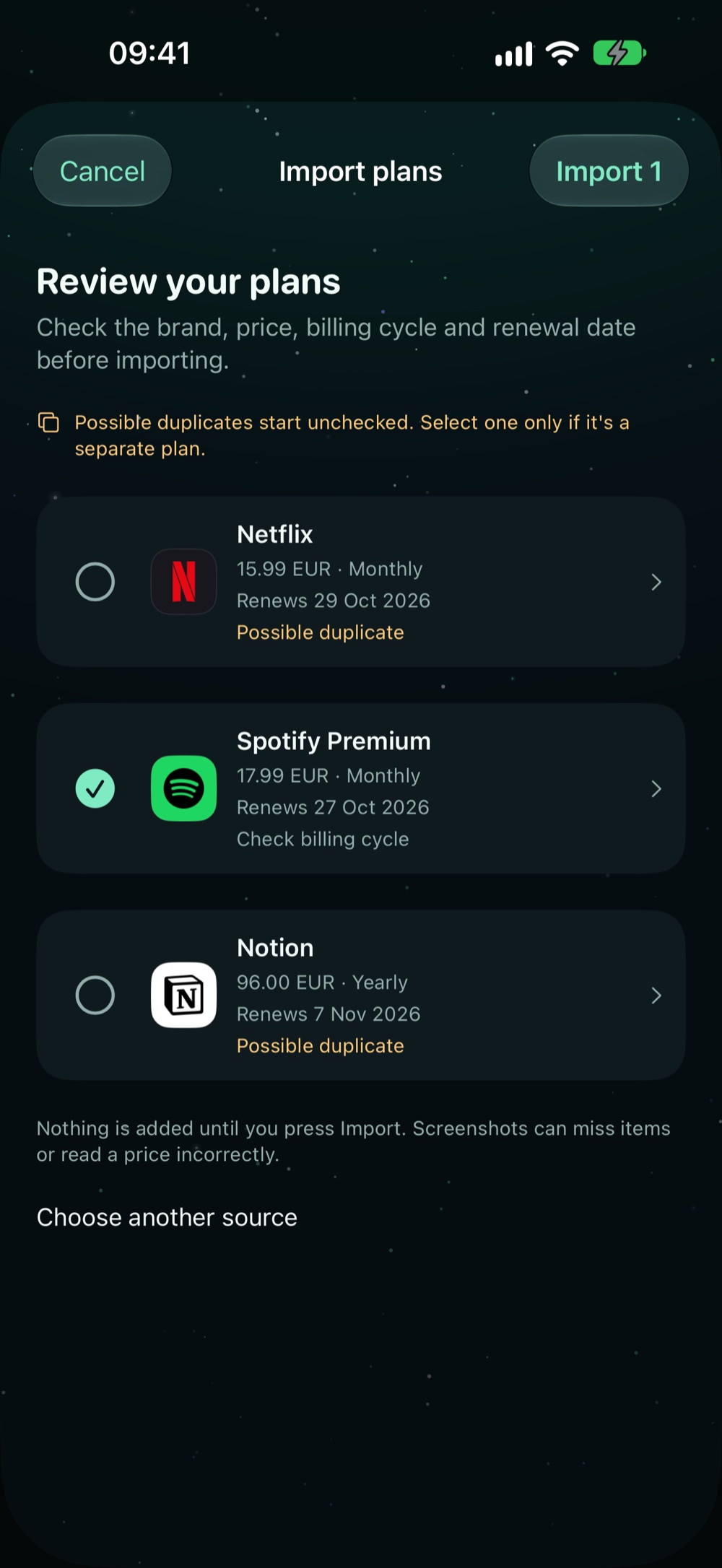
Mark your share paid on the day it's charged. It leaves what's left this month, and you can undo it any time.
Same day, 1, 3 or 7 days ahead, plus a summary of the week ahead. You choose.
Loop warns you the morning before your first payment.
Next renewals and your spending, always one glance away.
Screenshots are read on your device by Apple Vision. Nothing is uploaded to an AI service.
Changes save instantly and upload when you're back online, on iPhone, iPhone Duo, iPad and Mac.
The next 12 months of renewals in Apple or Google Calendar, kept up to date.
Pay in euros, dollars and pounds? Totals stay separate, with no fuzzy conversions.
A native Mac app with tabs on top and a roomy calendar, a layout made for iPhone Duo, and your plans in sync across all of them in seconds.
One subscription to see all the others. Plus pays for itself the first time it catches a charge you forgot.
Forever
Just 1,67 € a month, save 44%
Cancel anytime
Yours forever
Prices in euros; the App Store shows your local price. Plans you join from a friend never count toward the free limit.
No. You add plans by name, from a screenshot or from a CSV file. Loop never asks for bank credentials, and it does not move money.
Loop doesn't cancel anything. It makes sure you decide in time: you get a reminder before each renewal and the morning before a free trial turns into a charge.
Yes. Screenshots are recognized on your device with Apple Vision. No image or extracted text is sent to an AI service, and nothing is saved until you review it and press Import.
Add a friend to a plan and set their split. They accept the invite in their own Loop, and you can tick off each billing date they've paid. Friends without Loop can be tracked by name, privately.
Yes. Loop runs natively on iPhone, iPhone Duo, iPad and Mac, and your plans sync across all of them with your Apple or Google sign in.
Loop keeps euros, dollars, pounds and other currencies separate, so your totals are exact instead of estimated.
Yes. Northern Lights is Loop's look, and Nebula is there if you prefer violet. Switch any time in Settings, and the app icon follows.
Plus is billed by Apple. Cancel any time in Settings, Apple ID, Subscriptions. And yes, Loop will remind you before it renews too.
Download Loop free. Add your first plan in under a minute.
LoopSubscriptions, in one loop
GET